L’Atelier du prof
An attempt to connect, in one place, what a higher-education teacher does: reading, keeping, writing, preparing and presenting sessions, then letting students practise, with Claude to help sort.
Prototype under test. A personal trial, made to learn. It has no value beyond that of a test: it may contain errors, change or disappear, and it is neither a product nor a service of HEP-VS.
The idea
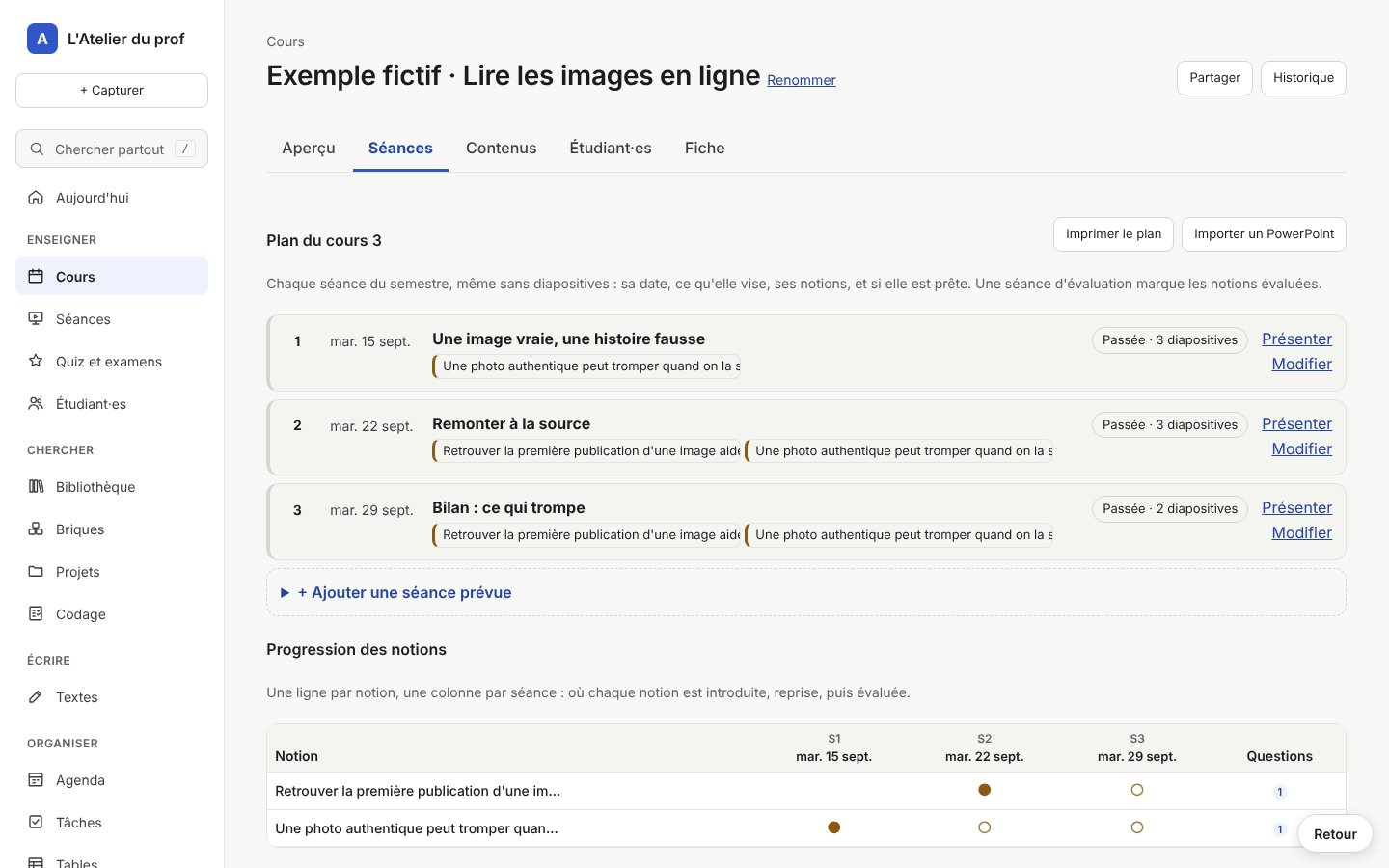
After L’Établi, built for the classroom, I wanted a space that follows a higher-education teacher’s whole workflow, from reading a paper to teaching a class: reading and annotating, keeping what matters, writing, preparing a session, presenting it, then letting students practise. Today these steps live in separate tools that do not talk to each other. L’Atelier du prof tries to connect them.
It is also an experiment on the place of AI in this work: Claude can sort, suggest and check, but every addition is marked, can be undone in one go, and nothing reaches students without the teacher’s approval.
What it does
- Read: a PDF library with highlights, meaning-based search and page-accurate citations.
- Keep: knowledge bricks, one idea in one sentence with its source.
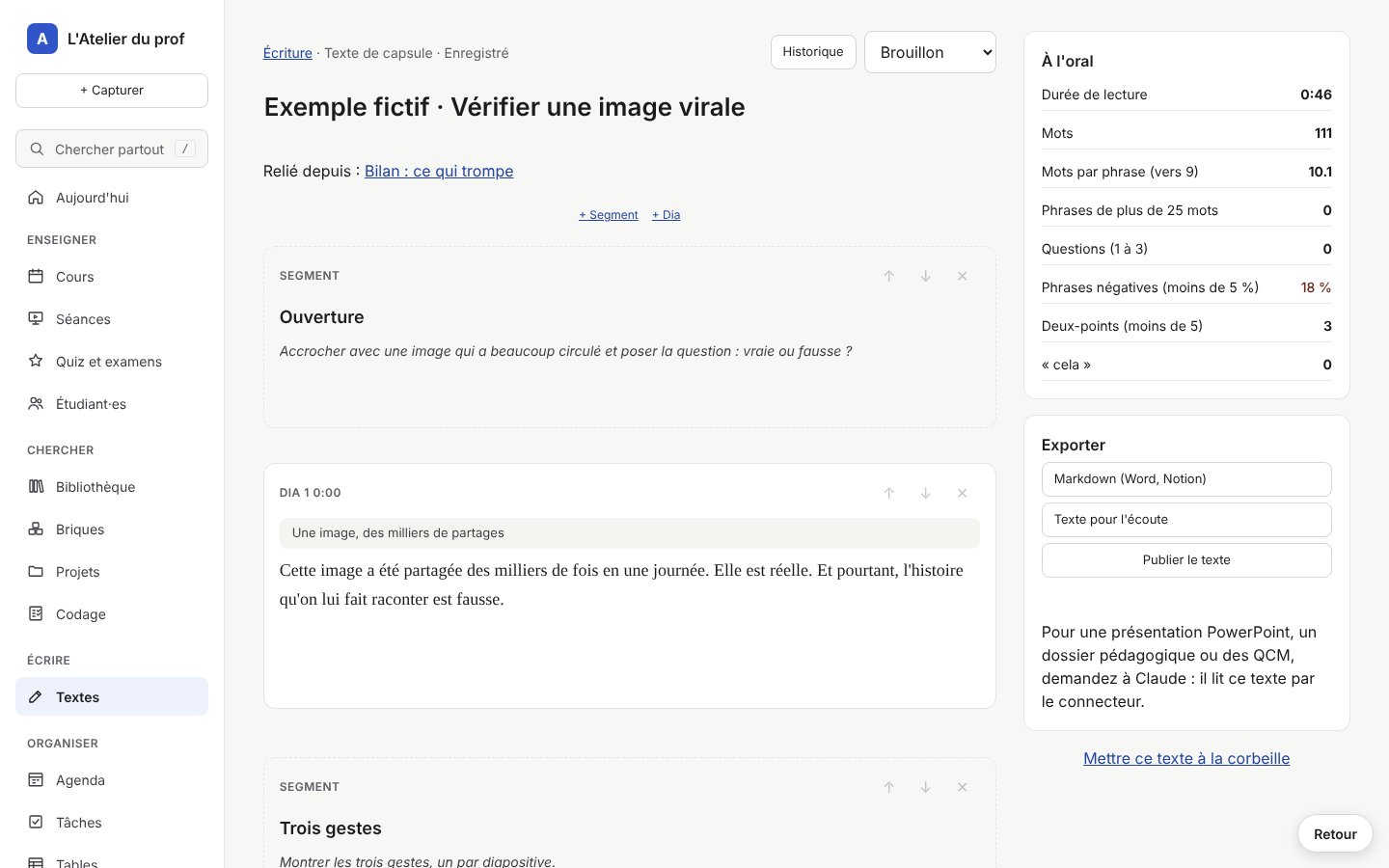
- Write: papers, video scripts or lesson plans, with sources cited.
- Teach: sessions that show the PowerPoint as is, controlled from a phone (pointer, drawing, timer), with questions to project whenever needed.
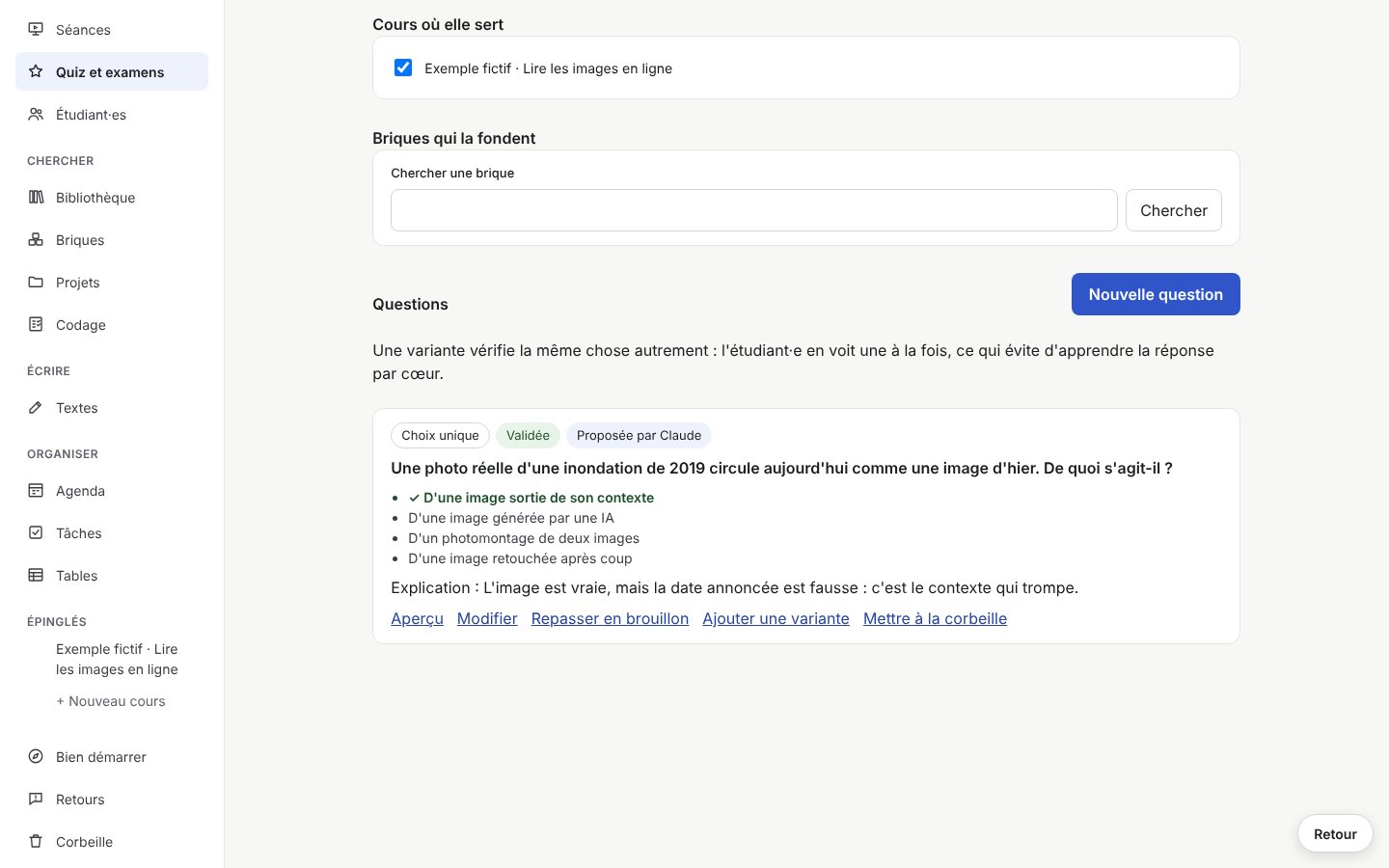
- Practise: teacher-approved questions, spaced repetition that comes back to what is fragile, and mock exams.
- Open to students: with a group code and a secret word, no email address, each student sees what the teacher chooses to share: sessions, quizzes, references and key ideas.
- Research: a module for coding papers, alone or as a team, with a configurable grid.
- Work with Claude: a connector links the Atelier to Claude, account by account.
Visit
A visit with fictional content is in preparation. In one click and without an account, you will be able to try an example workspace (a course, its sessions, a script, practice questions), deleted after 24 hours. The link will appear here.
Trying it with your own courses
L’Atelier is open by invitation. To try it with your own courses, there are two ways in:
- ask me for an invitation link, via LinkedIn;
- ask someone who already uses the Atelier to bring you in: each account allowed to do so has its own invitation link.
Its limits
This is a prototype I maintain on my own and test first in my own courses. It changes every week and may contain errors. It is neither a product nor a HEP-VS service.